
Powered by Kolmena
Resident app
Everything you need from Los Encinos, on your phone: visitors, payments, bookings, requests, notices and meetings. Nothing to download from an app store: it installs from your browser.
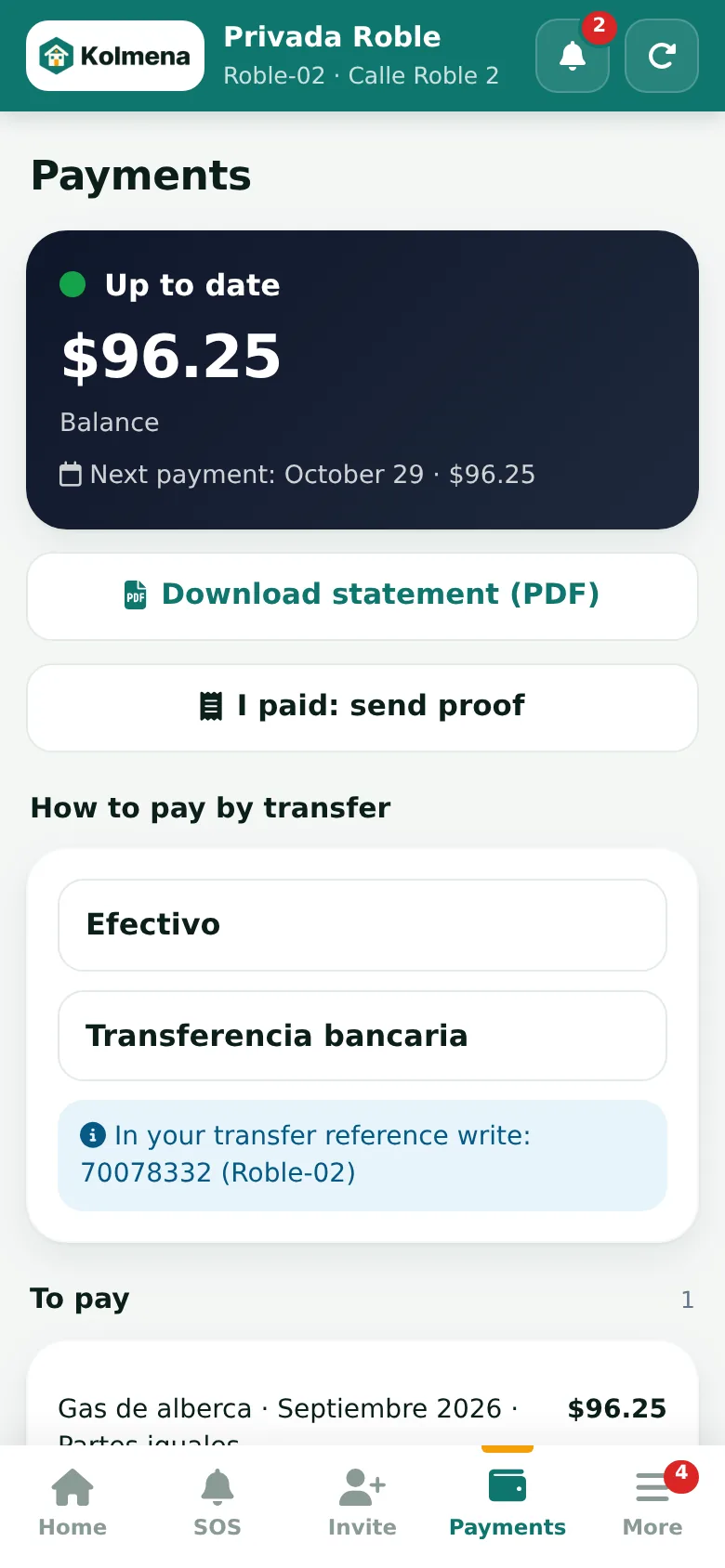
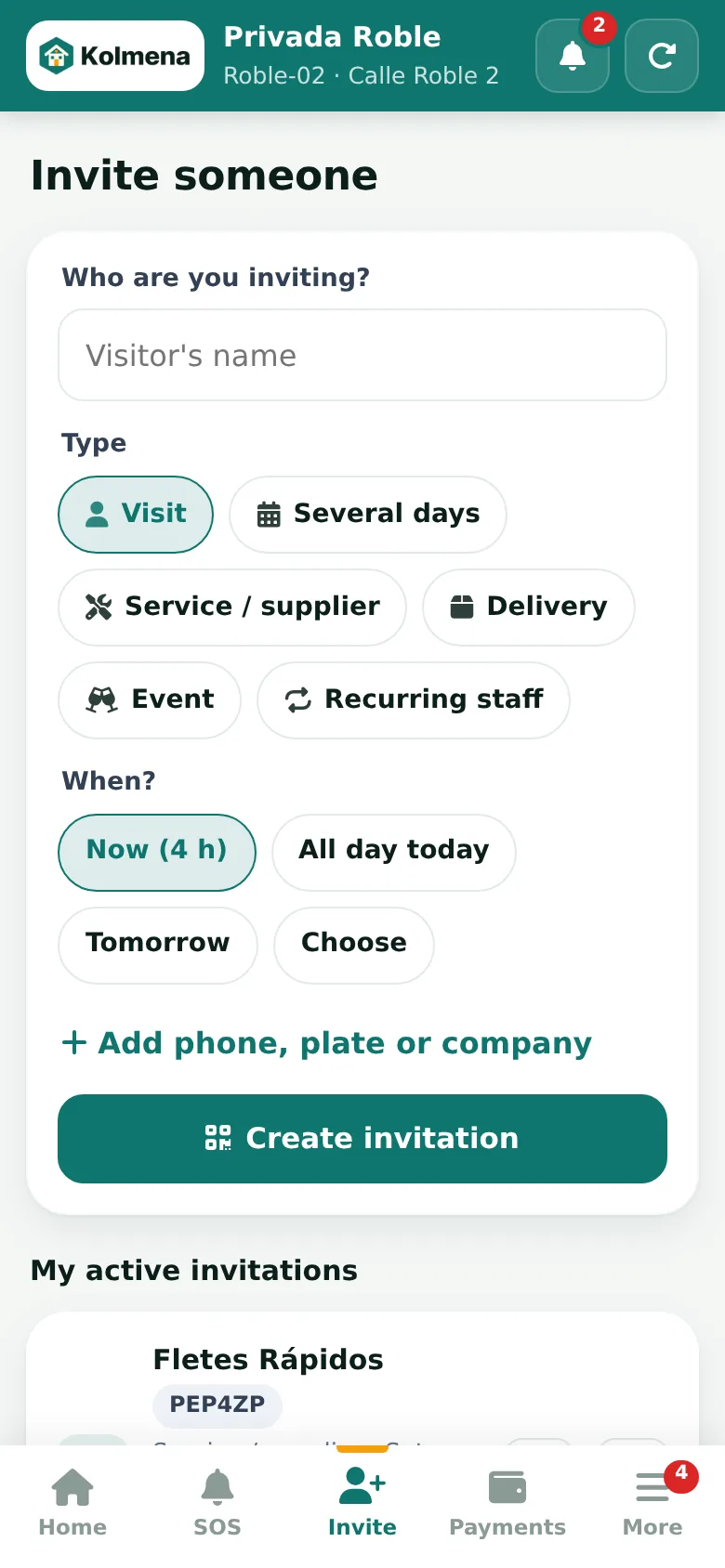
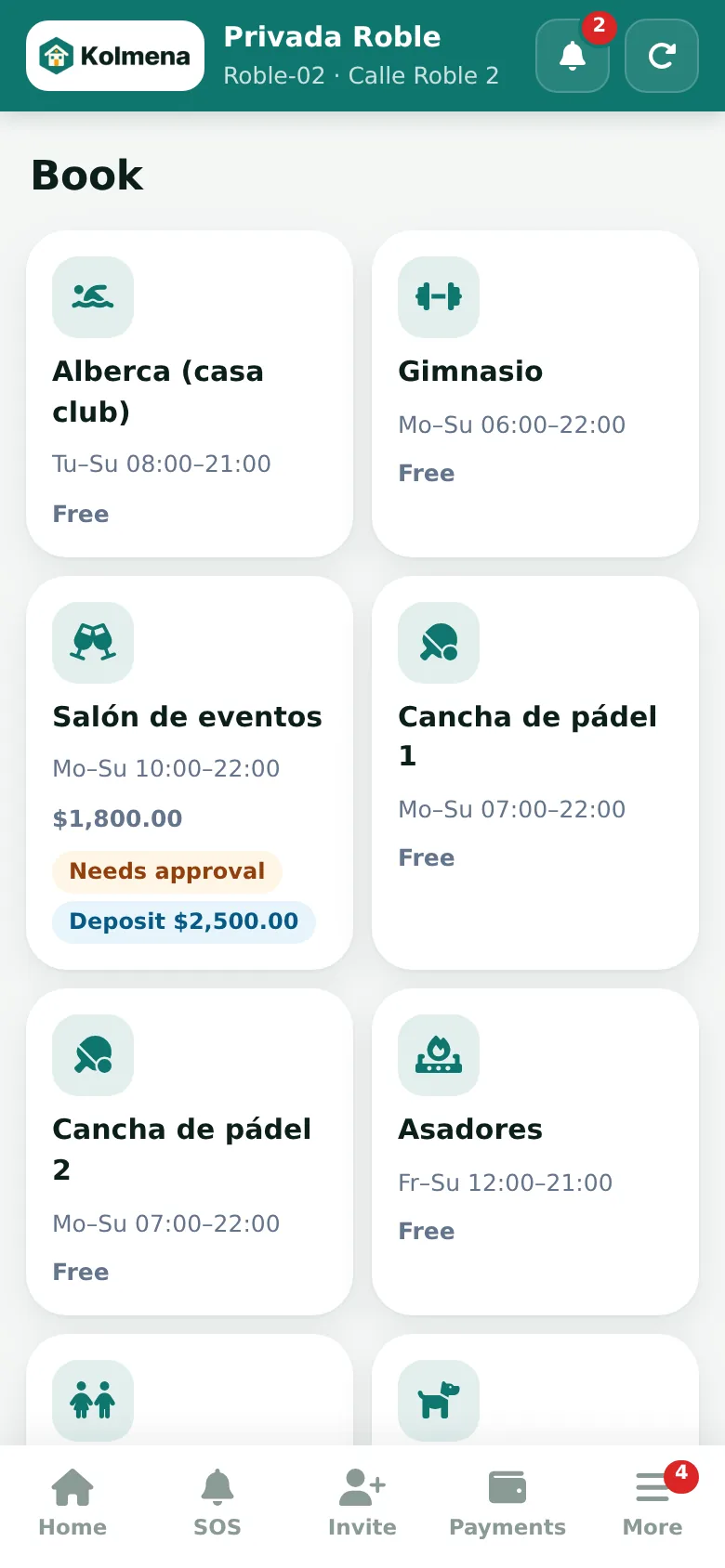
Real screenshots of the resident app with demo data.
What you can do
Your community, in the palm of your hand
QR visitor passes
Pre-register guests and share a one-time QR.
Payments and statement
Your balance, receipts and payment by card, SPEI or OXXO.
Amenity bookings
Padel, event hall, grills and swim lanes.
Maintenance requests
With photo, reference number and tracking until resolved.
Notices and news
Notices with read receipts.
Online meetings
Notice of meeting, quorum, voting and minutes.
Parcels
Photo notice when a parcel arrives at the gate.
Panic button
Instant alert to the gatehouse with your location.
Transparent finances
Monthly income, expenses and reserve fund.
 Resident app · powered by Kolmena
How to get access
Activate your account in 4 steps
Each home has a primary account holder (owner or tenant) who can invite their family.
Share your details
The management office registers your home and your mobile or email (or write to us via Contact).
Open your link
You receive a personal access link by WhatsApp or email: open it and you are in.
Create your password
In “More” › “Sign-in password” create your password: from then on sign in with your email or mobile number and password, or with a code sent by email.
Install it
“Add to Home Screen” and you are done: it works like an app.
FAQ
About the app
Resident app
The whole community on your phone
Pre-register visitors, pay your fees, book amenities and report issues from the resident app.